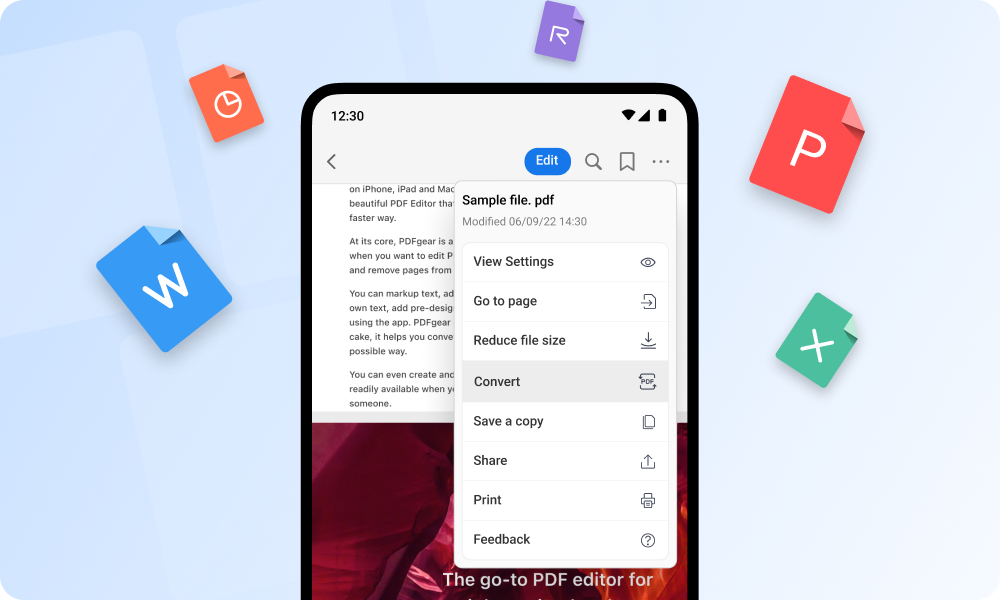
PDFgear is proving that you don’t need expensive software to handle PDFs like a pro. This free, all-in-one PDF editor brings together powerful tools for viewing, editing, converting, and organizing documents—making it a solid choice for both everyday users and professionals.
What sets PDFgear apart is its comprehensive feature set. You can easily modify text, add notes, highlight important sections, and insert images directly into your PDFs. It also simplifies document management with options to merge multiple files or split large ones into smaller, more manageable pieces.
Another key strength is its flexible conversion capability. PDFgear lets you switch files between PDF and formats like Word, Excel, PowerPoint, and images. This makes it especially valuable for students, freelancers, and businesses that need to reuse or edit content without rebuilding documents from scratch.
The built-in OCR (Optical Character Recognition) feature adds even more value. It can turn scanned files or image-based documents into editable and searchable text, helping you unlock information from otherwise static files.
Despite its powerful tools, PDFgear keeps things simple with a clean, intuitive interface that’s easy to navigate—even for beginners. Unlike many free alternatives, it avoids intrusive ads and doesn’t hide core features behind paywalls.
Available across multiple platforms, PDFgear offers a practical, cost-free way to manage PDFs efficiently. Whether you’re making quick edits or handling complex documents, it delivers premium-level functionality without the premium price tag.

